Comments System
How to use and manage HiAnime's built-in custom comments plugin
HiAnime Comments Plugin
HiAnime includes a built-in comments plugin — a fully separate system from WordPress's native comments. It handles all user comments (on anime and episode pages) and provides dedicated management tools directly in the WordPress admin sidebar under the Comments menu.
Accessing Comments
The Comments menu in the sidebar has several sub-sections:
- All Comments — Browse, search, filter, and moderate all user comments
- Statistics — View comment activity data and metrics
- Quick Actions — Bulk moderation tools
- System Maintenance — System-level maintenance tools
- Danger Zone — Irreversible actions (e.g. deleting all comments)
All Comments
Go to Comments > All Comments to see every comment submitted across the site.
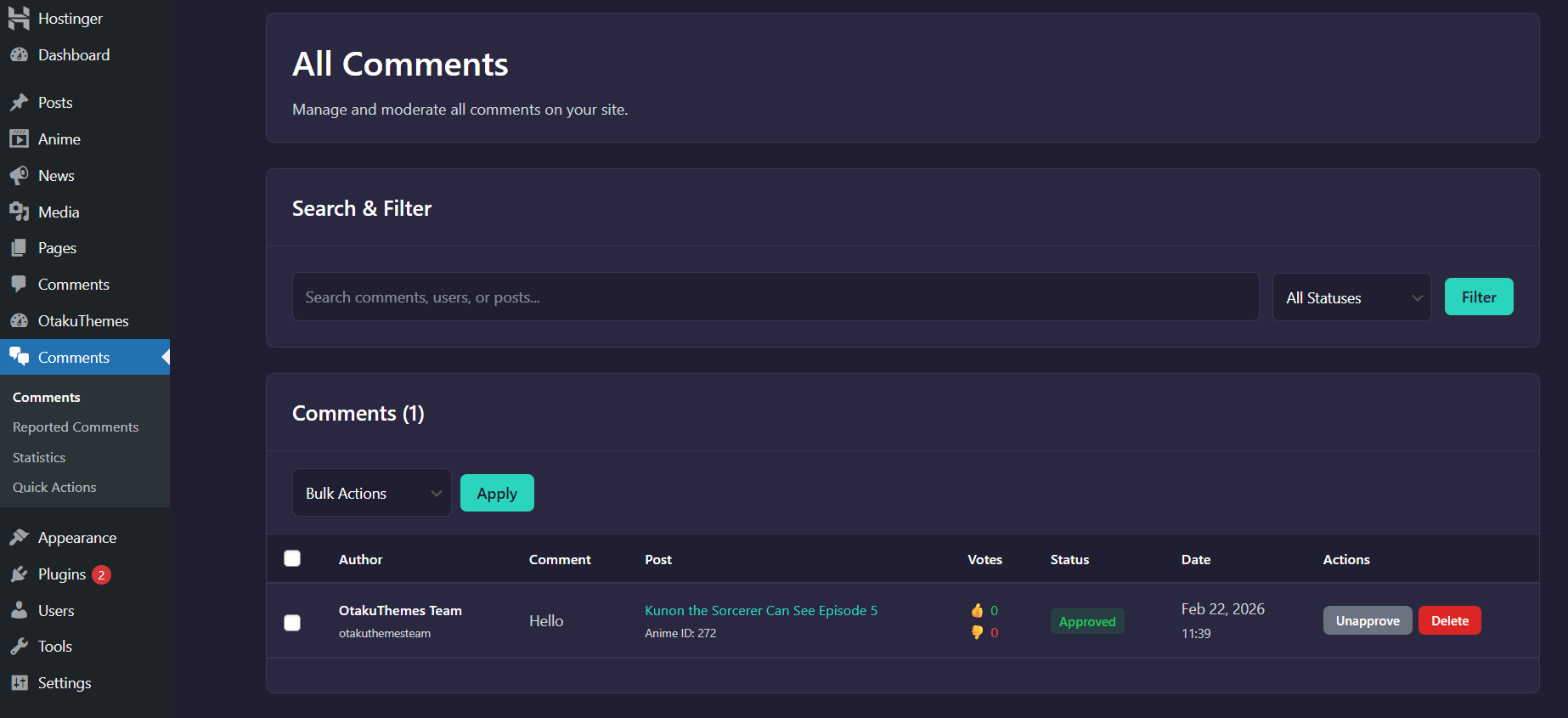 Comments — All Comments
From this view you can:
- Approve / Unapprove comments
- Reply to comments
- Edit comment content
- Spam a comment
- Trash / Delete a comment
- Filter by status (approved, pending, spam, trash)
- Search by keyword, user, or anime/episode
Comment States
| State | Description |
|---|---|
| Approved | Visible to all users on the site |
| Pending | Awaiting moderation, hidden from public |
| Spam | Marked as spam, hidden from public |
| Trash | Soft-deleted, recoverable |
Statistics
Go to Comments > Statistics to view comment activity data.
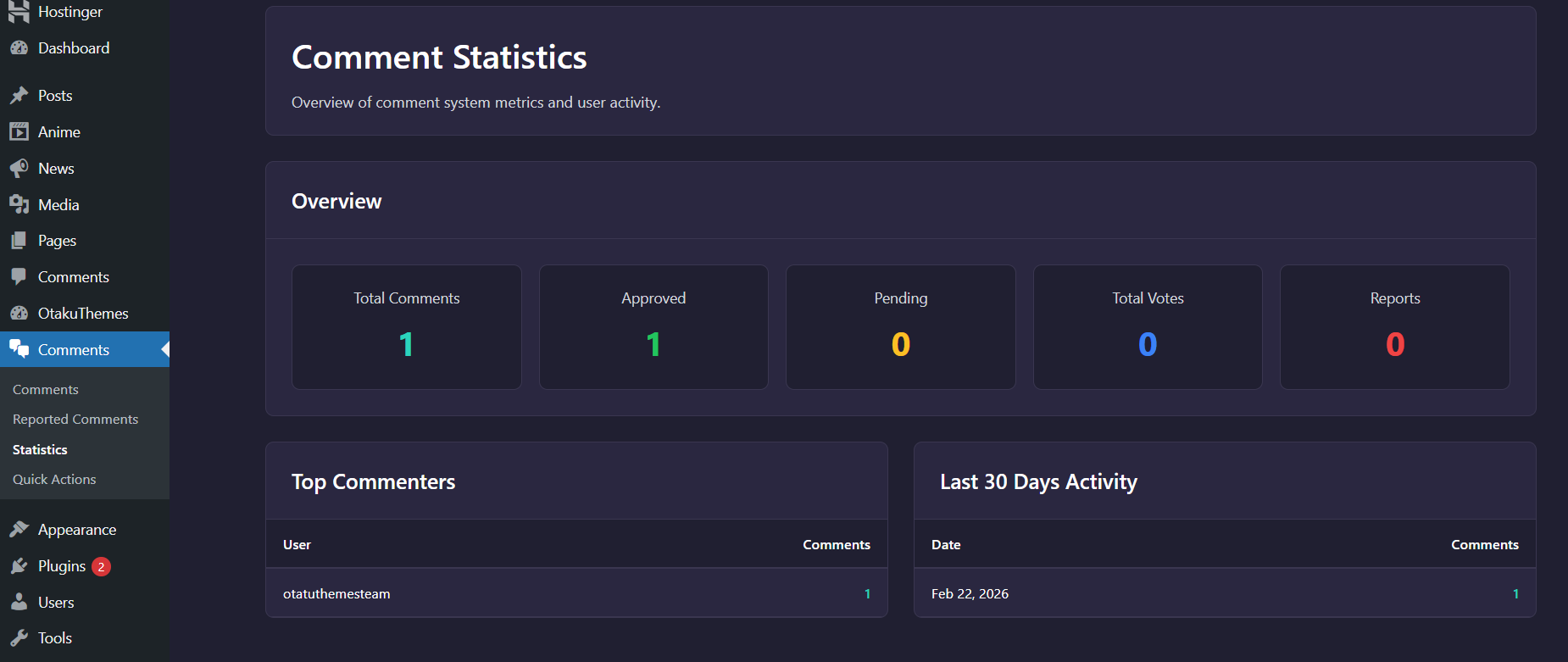 Comments — Statistics
The statistics view shows:
- Total comment counts over time
- Activity breakdowns by anime/episode
- Pending and spam counts
Quick Actions (Bulk Moderation)
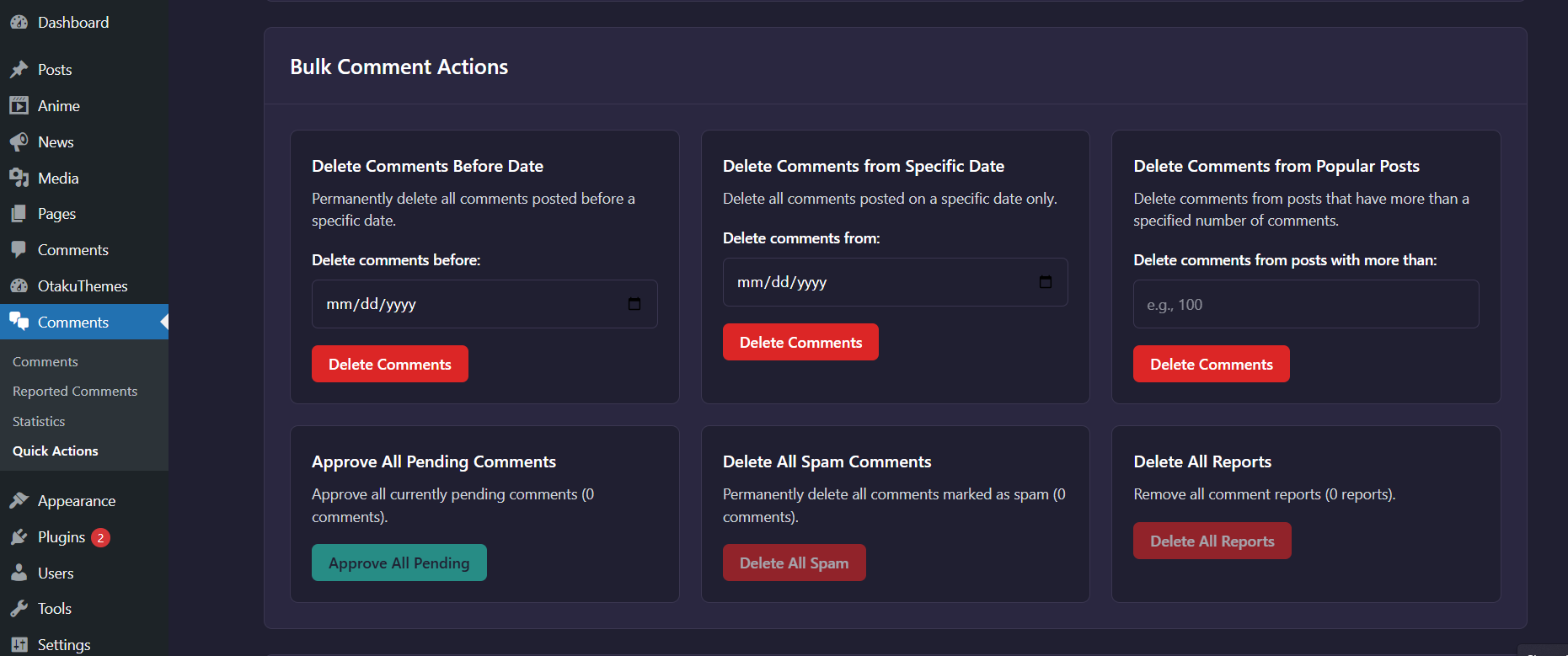
Go to Comments > Quick Actions (or Bulk Actions) for mass moderation tools.
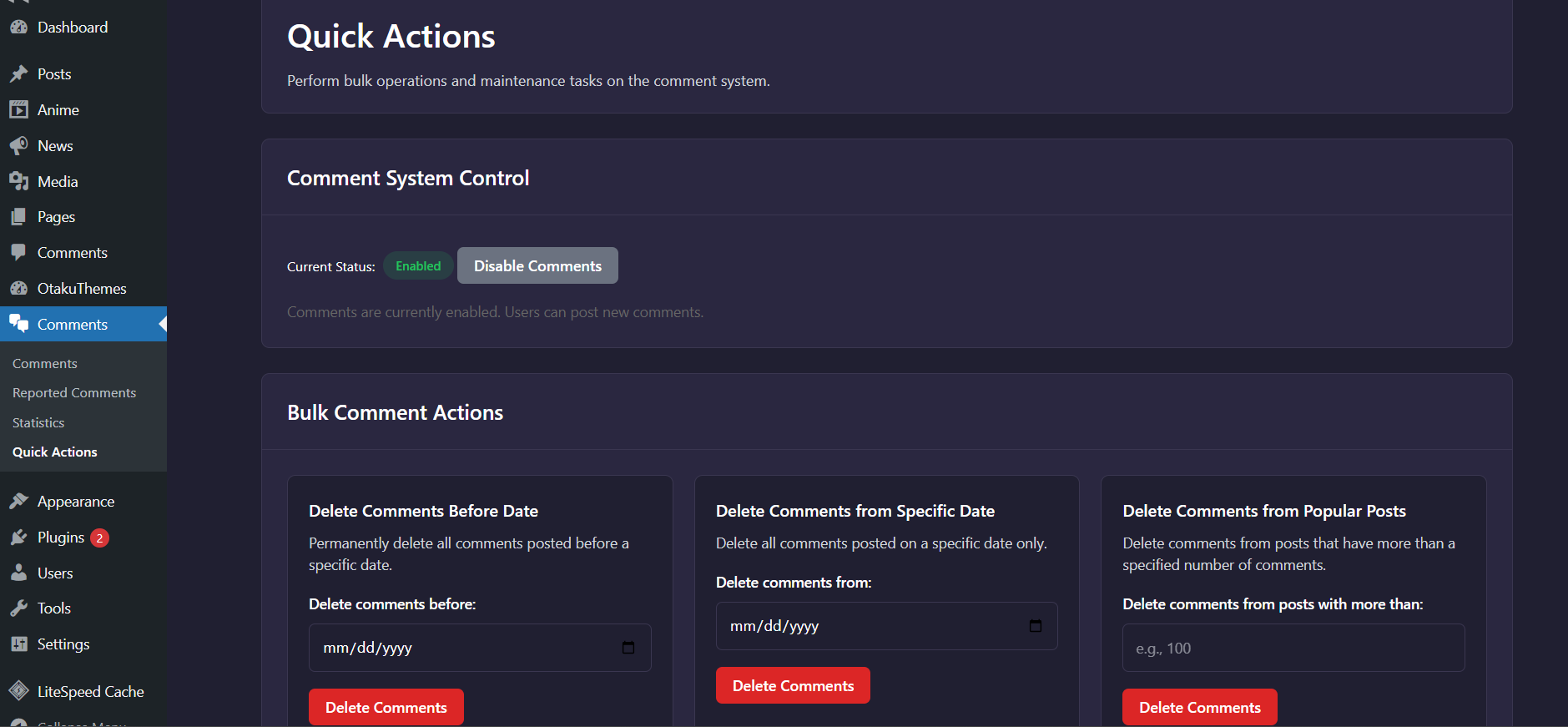 Comments — Bulk Actions
Use these tools to:
- Bulk approve pending comments
- Bulk spam comments matching criteria
- Bulk delete selected comments
- Quickly clear backlogs of pending or spam comments
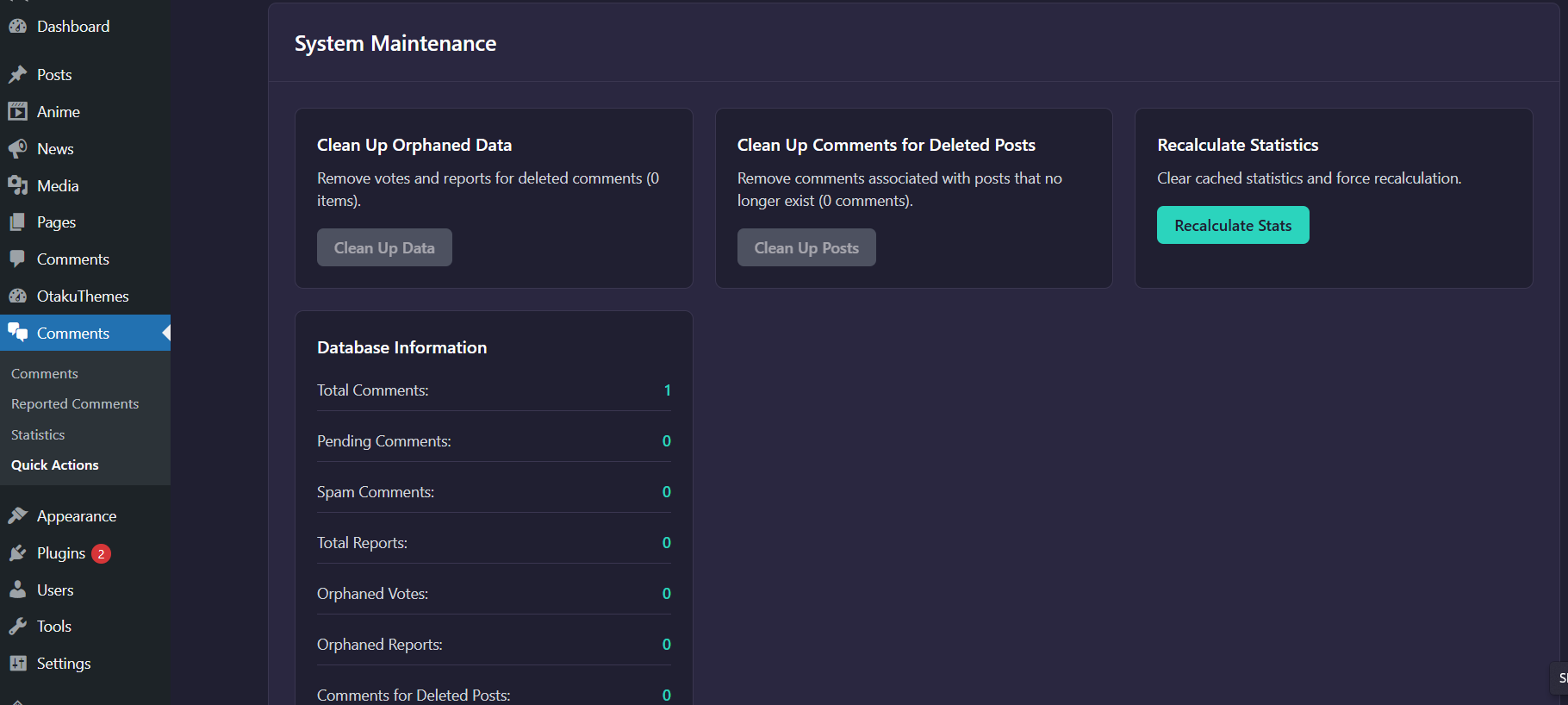
System Maintenance
Go to Comments > System Maintenance to run maintenance tasks on the comments system.
 Comments — System Maintenance
Use these tools for:
- Database optimization of comments tables
- Recount or rebuild cached comment counts
- Other system-level maintenance operations
Danger Zone
The Danger Zone contains actions that cannot be undone. Always back up your database before using these tools.
 Comments — Danger Zone
Actions in this section include:
- Delete all comments — Permanently removes all comments from the database
- Delete all spam — Permanently removes all spam comments
- Delete all trash — Permanently empties the comments trash
Comment Moderation Settings
To configure comment moderation defaults (e.g. require approval for new comments, allow only registered users to comment), go to OtakuThemes > Features — the comment-related toggles are managed from there.
HiAnime's custom comments plugin replaces WordPress's native comment system on anime and episode pages. You can disable the native WordPress comments from Settings > Discussion if you don't use them elsewhere.