Adding Episodes
How to add and manage episodes for anime in HiAnime, including embed video configuration
Episodes in HiAnime
Episodes in HiAnime are WordPress Posts (the standard post type) — not the Anime post type. Each episode is linked to a parent anime entry via a custom field.
Access all episodes at Posts > All Posts.
Adding a New Episode
Method 1 — From the Anime List (Quickest)
- Go to
Anime > All Anime - Find the anime you want to add an episode for
- Click the Add button next to that anime title
- This opens a new episode editor pre-filled with the parent anime
Method 2 — From Posts
- Go to
Posts > Add New - You'll see the full episode editor with all HiAnime meta fields
Episode Meta Fields
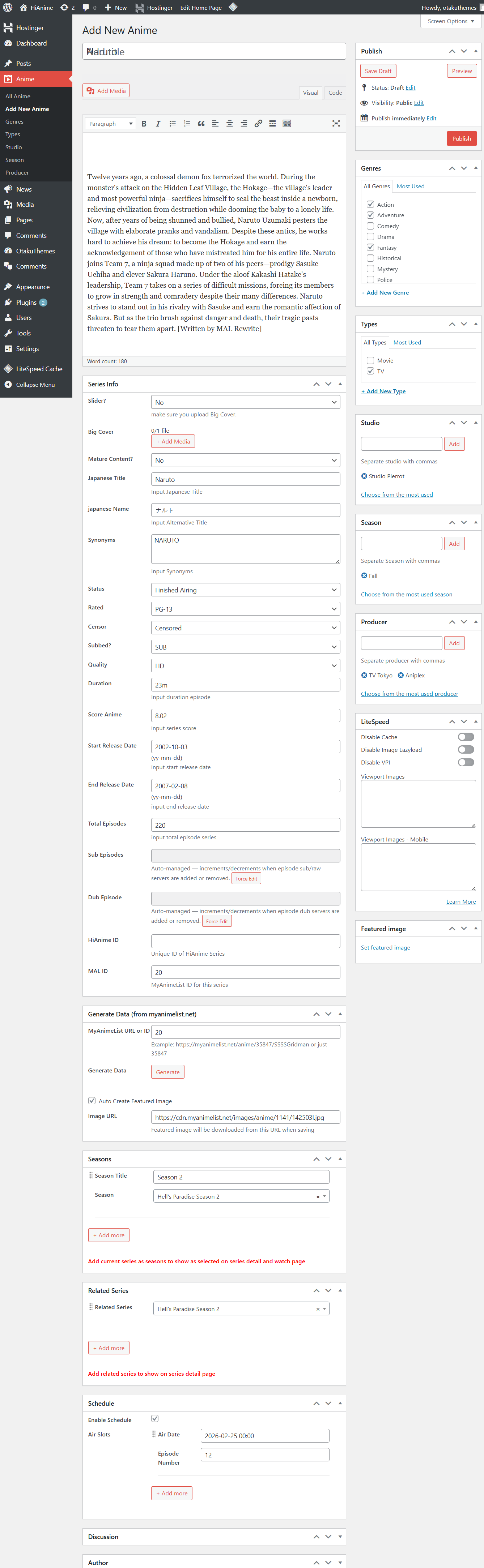 Add New Episode
Basic Episode Info
| Field | Description |
|---|---|
| Title | The episode title (e.g. Episode 1, or a named title if applicable) |
| Episode Number | The episode number (e.g. 1, 12, 24). Use Movie for film entries |
| Is Filler? | Mark Yes if this episode is a filler episode |
| HiAnime Episode ID | An optional unique ID for this episode |
| Series | Required — Select the parent anime this episode belongs to |
Always select the parent anime in the Series field. Without this, the episode won't be attached to any anime and won't appear on the anime's episode list.
Embed Videos
The Embed Videos section is where you add the streaming links for this episode.
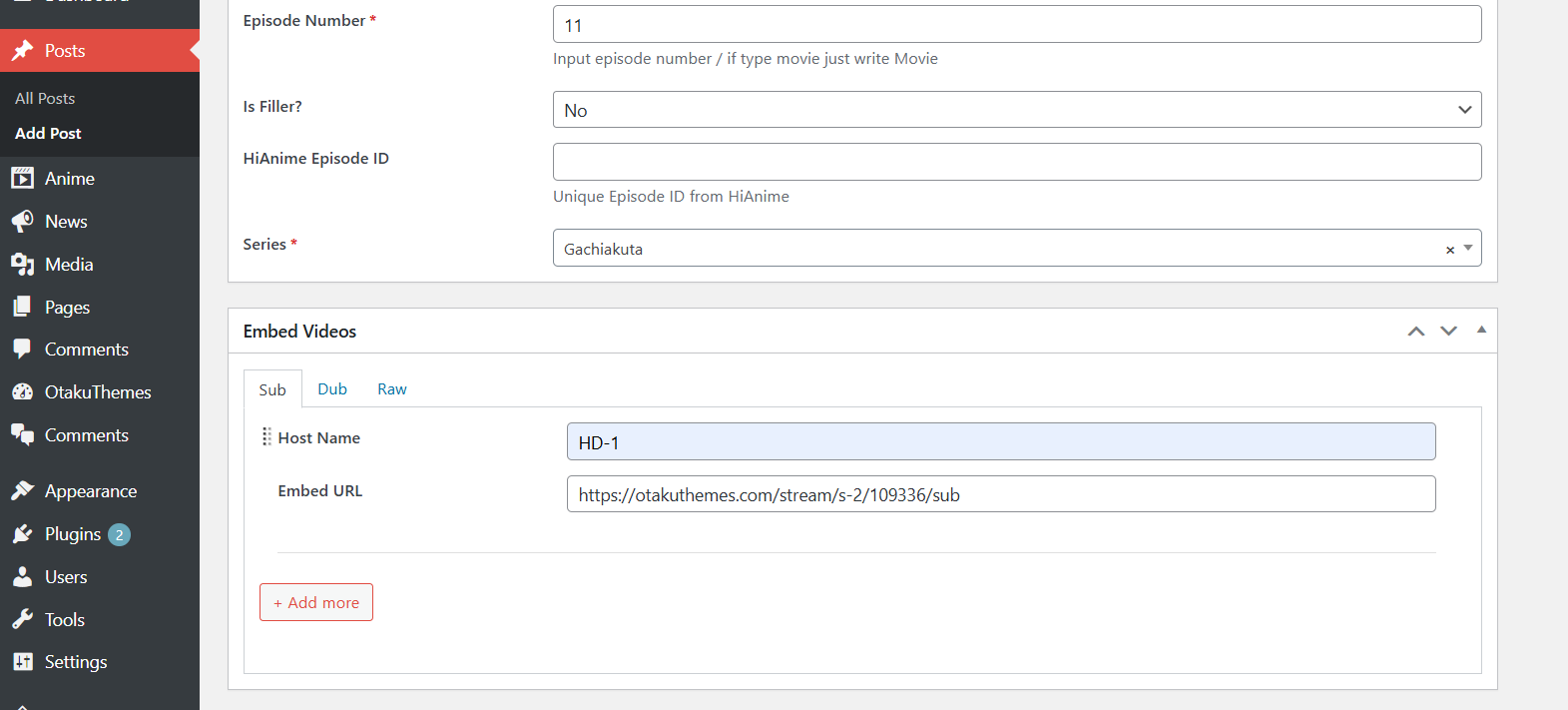 Episode — Embed Videos
HiAnime supports three track types per episode:
- Sub — Subtitled version
- Dub — Dubbed version
- Raw — Raw/unsubtitled version
For each track type you want to add:
- Click the track tab (Sub, Dub, or Raw)
- Enter a Host Name — a label for this video host (e.g.
HD-1,StreamSB,Filemoon) - Enter the Embed URL — the full embed URL for the video
- Click + Add more to add additional hosts/mirrors for the same track type
Embed URL Format
The embed URL should be the direct iframe embed URL for the video, not the regular watch page URL.
Example:
https://www.youtube.com/embed/dQw4w9WgXcQ
Add multiple hosts per track (e.g. HD-1, HD-2) to give viewers backup options if one mirror goes down. Each host entry becomes a separate server option in the video player.
Publishing Episodes
- Fill in all required fields (episode number, series, at least one embed URL)
- Set the featured image if desired (episode thumbnail)
- Click Publish
The episode will automatically appear in the episode list on the parent anime's page.
Managing Episodes
Go to Posts > All Posts to see all episodes.
Episodes are ordered by their episode number field, not by post date. Ensure episode numbers are set correctly for the correct ordering to appear on the anime page.