Content
Control how anime and episode content is displayed across your HiAnime site
Updated February 22, 2026
OtakuThemes Team
Content Tab
The Content tab controls how anime and episode data is displayed across your site — including how many items appear per section, ordering defaults, and content display behaviour.
Go to OtakuThemes > Content to access these settings.
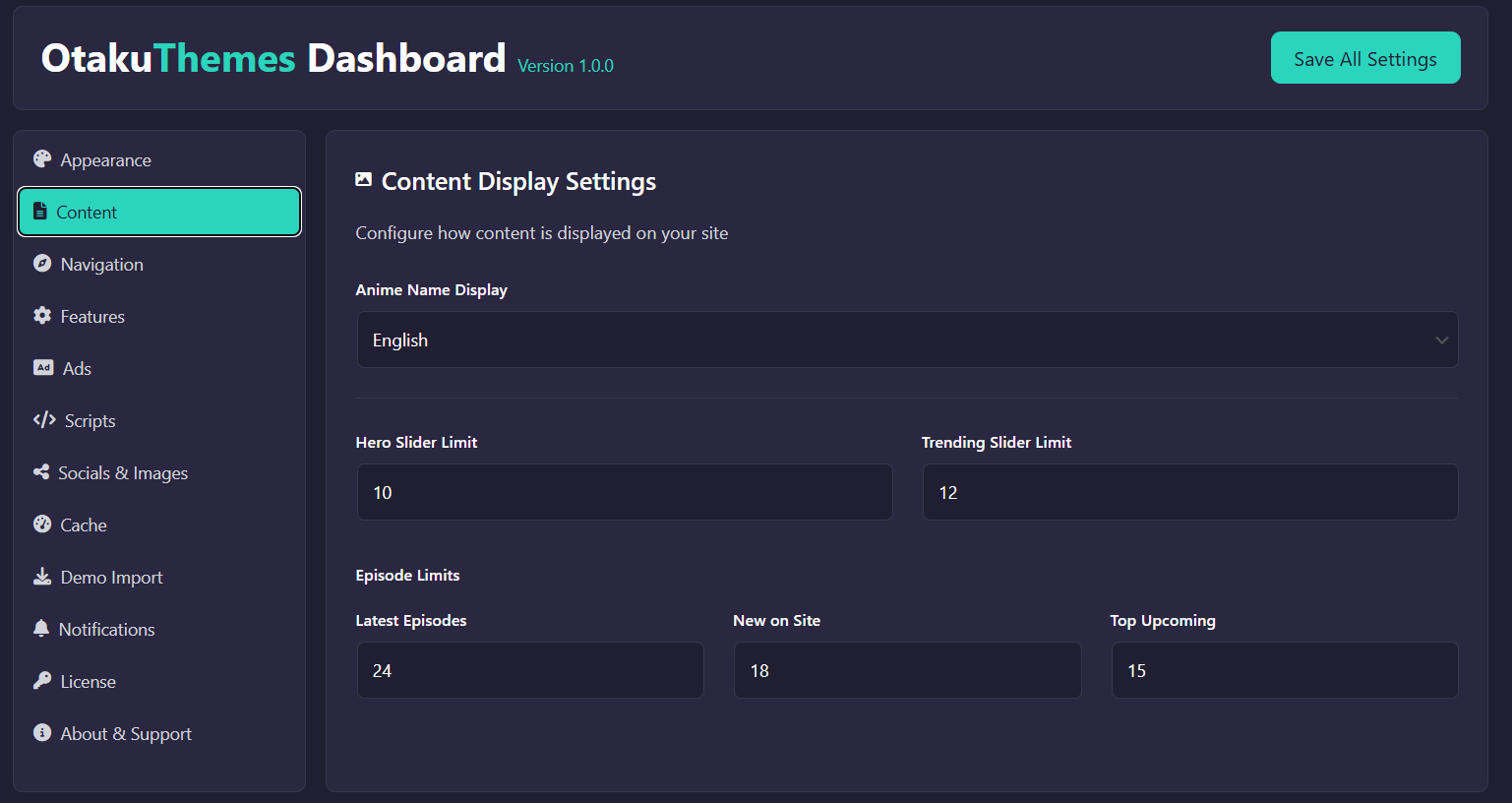 OtakuThemes Dashboard — Content Tab
Available Settings
- Anime Per Page — How many anime entries to show on archive/listing pages
- Episodes Per Page — How many episodes to show on a single anime's episode list
- Content Ordering — Default sorting for anime listings (e.g. newest first, alphabetical, most popular)
- Display Options — Toggle which metadata fields are shown on anime cards and detail pages
Tips
Homepage Sections
The number of items shown in homepage sections (e.g. Trending, Latest) may be controlled separately within the homepage template, not just this tab.
Save Changes
Click Save after adjusting settings. Clear the Cache if changes don't appear immediately.