Notifications
View system alerts and announcements from OtakuThemes in your HiAnime dashboard
Updated February 22, 2026
OtakuThemes Team
Notifications Tab
The Notifications tab displays system messages and announcements from OtakuThemes — such as new theme update notices, license warnings, important security alerts, or general announcements.
Go to OtakuThemes > Notifications to access this tab.
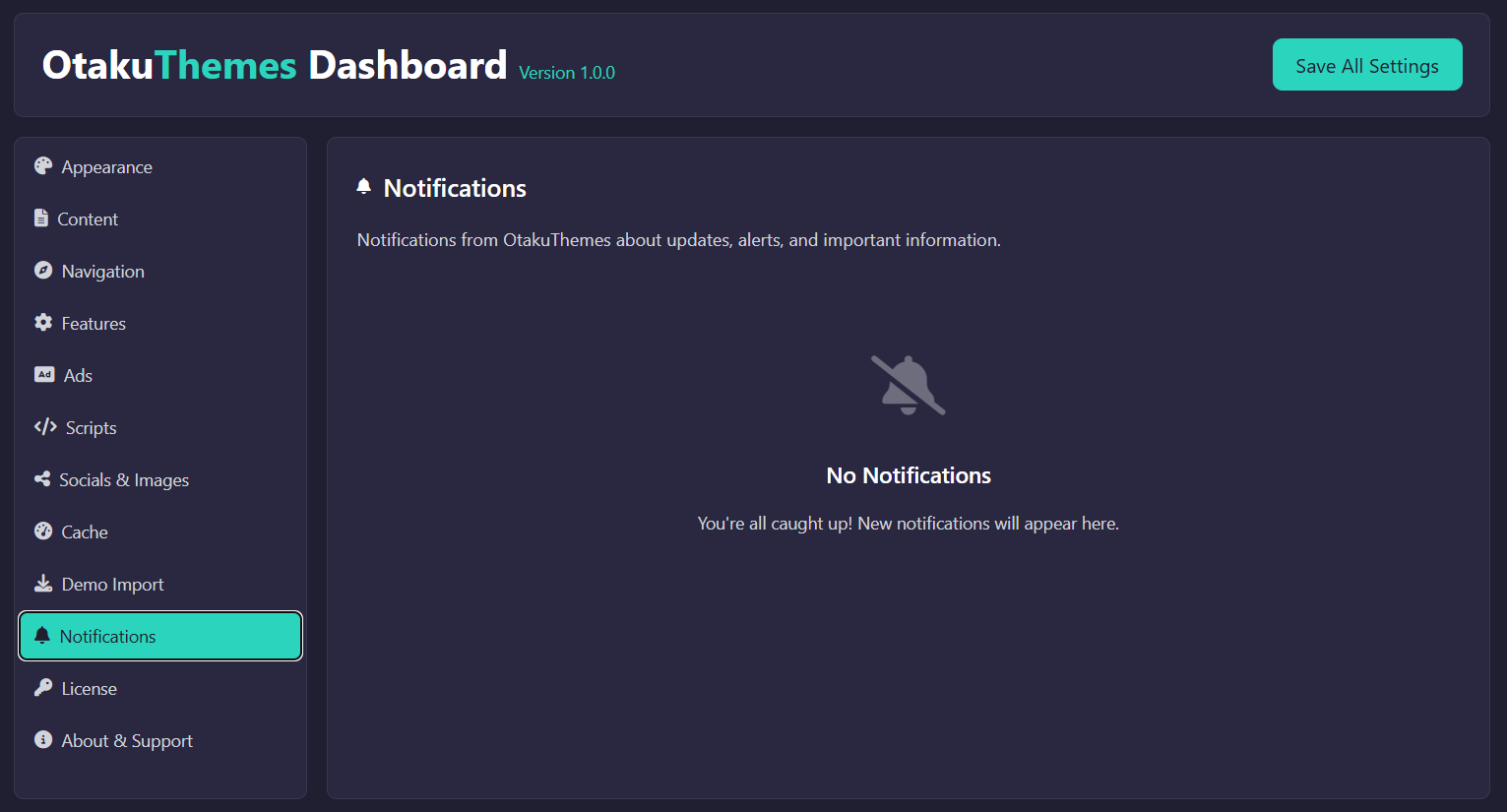 OtakuThemes Dashboard — Notifications Tab
What You'll See Here
- Update Notices — When a new version of HiAnime is available, a notification will appear here with details about what's changed
- License Warnings — If your license is expired or inactive, a warning will appear here
- Announcements — Occasional messages from OtakuThemes about new features, services, or important information
Keeping Up to Date
Check Notifications Regularly
Check this tab periodically — especially after making major site changes — to ensure your license is in good standing and you're running the latest version of the theme.
Theme Updates
When an update notice appears, back up your site before updating. Go to Appearance > Themes, find HiAnime, and update from there. See the Installation Guide for more details on how to upload a new version.