Socials & Images
Configure social media links and default poster/avatar images for your HiAnime site
Socials & Images Tab
The Socials & Images tab covers two areas: your social media profile links, and the default images used across the site.
Go to OtakuThemes > Socials & Images to access these settings.
Page 1 — Social Media Links
Enter the URLs for your social media profiles. These are displayed in the site's header, footer, or wherever HiAnime shows social icons.
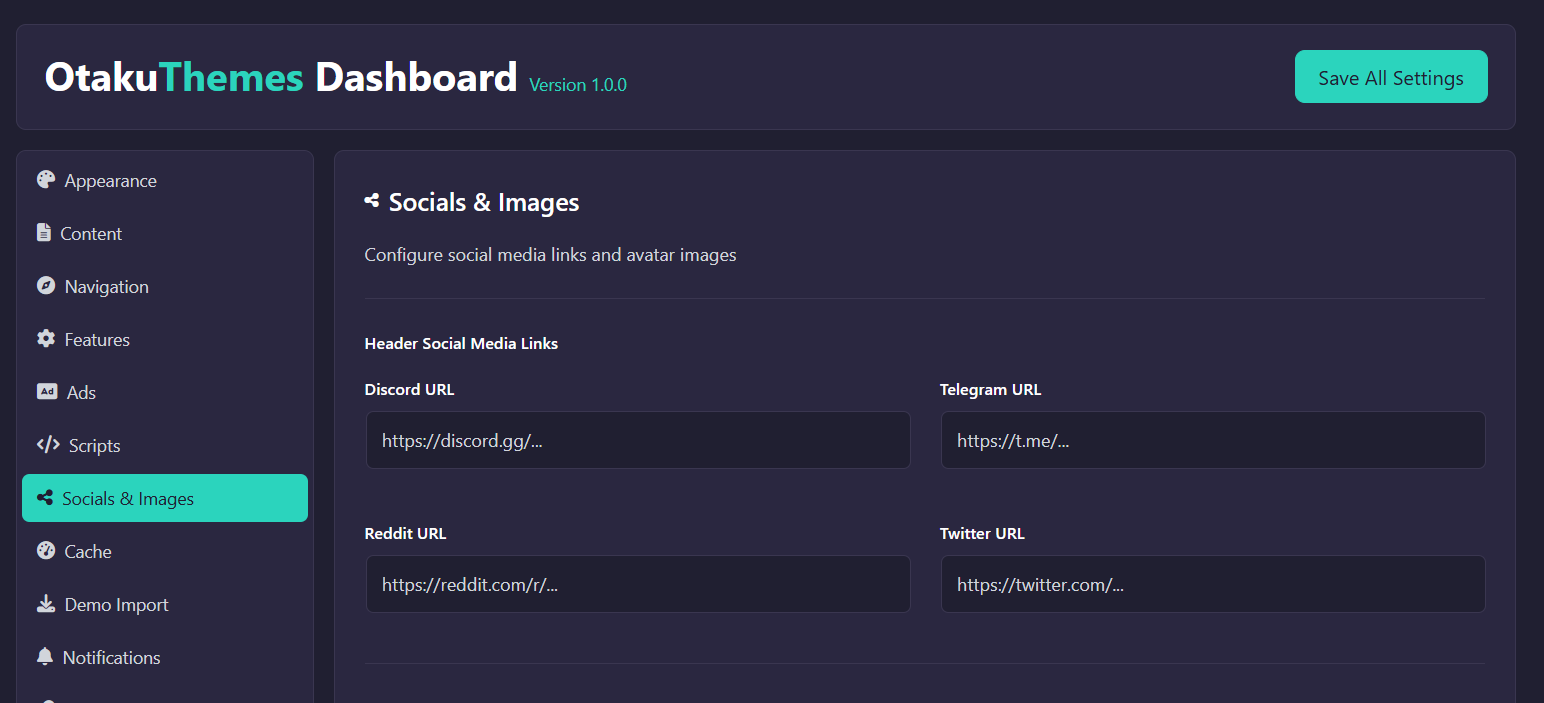 OtakuThemes Dashboard — Socials & Images (Page 1)
Supported Platforms
Enter the full profile URL for each platform you want to display. Leave a field empty to hide that platform's icon.
Common platforms include:
- X (Twitter)
- YouTube
- Discord
- Telegram
- TikTok
Format: Enter the full URL including https://, e.g. https://twitter.com/yourhandle
Page 2 — Front Page Poster & Avatar Images
Configure the default images used when no specific image is available.
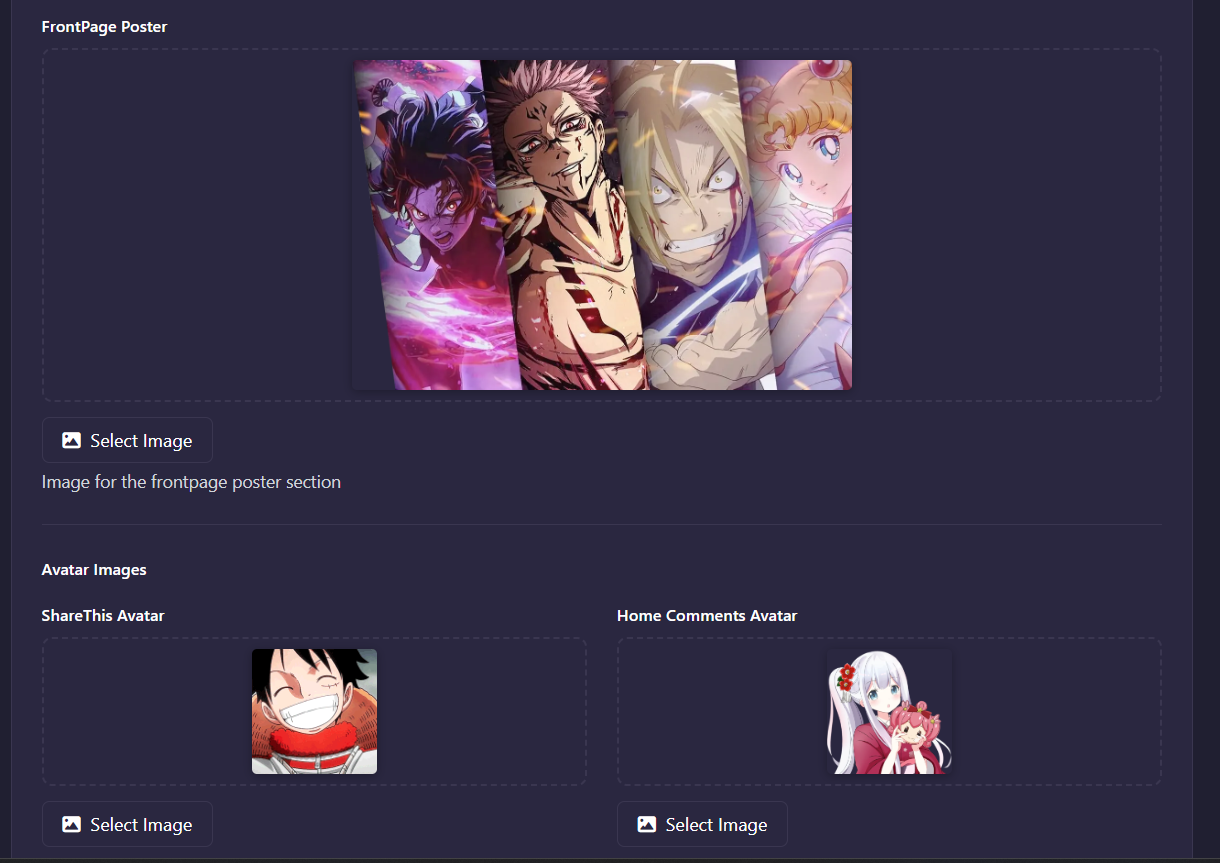 OtakuThemes Dashboard — Socials & Images (Page 2)
Front Page Poster
The Front Page Poster is the default background or hero image used on the front page when no featured image is set for the highlighted content.
- Recommended size: 1920 × 1080px (or 16:9 ratio)
- Format: JPG or WebP for best performance
Default Avatar
The Default Avatar is shown for users who haven't uploaded a profile picture.
- Recommended size: 150 × 150px (square)
- Format: PNG or JPG
Default Anime Poster
The placeholder image displayed when an anime entry has no featured image set.
- Recommended size: 225 × 318px (standard anime poster ratio)
Tips
Click the image field or the upload button to open the WordPress media library and select or upload your image.
This tab has multiple pages. Click Save before switching pages to avoid losing changes.