Scripts
Inject custom header and footer scripts into your HiAnime site
Updated February 22, 2026
OtakuThemes Team
Scripts Tab
The Scripts tab lets you inject custom HTML/JavaScript code into your site's <head> section or just before the closing </body> tag — without editing any theme files.
Go to OtakuThemes > Scripts to access these settings.
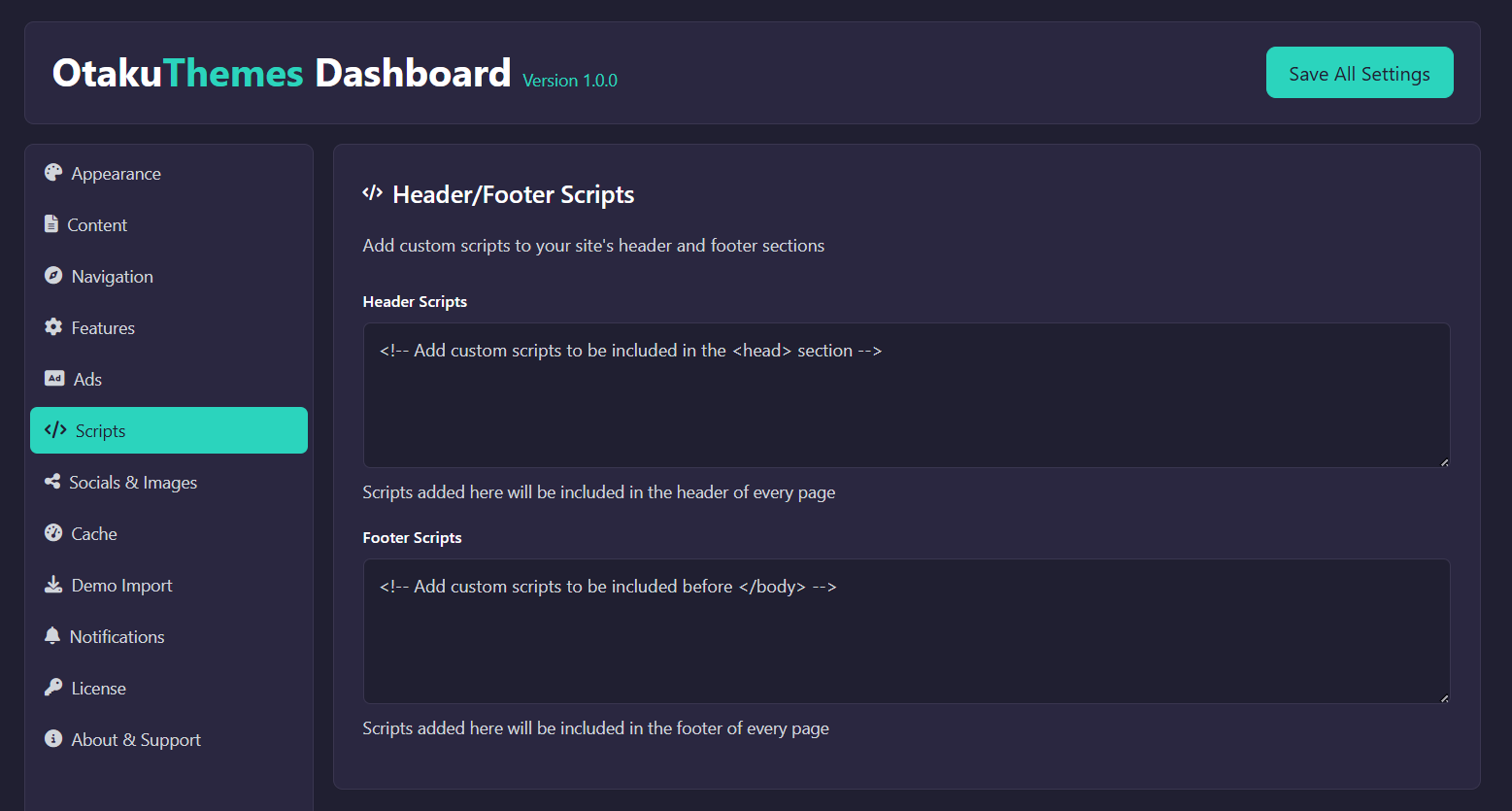 OtakuThemes Dashboard — Scripts Tab
Header Scripts
Code entered here is output inside <head> on every page of your site.
Common uses:
- Google Analytics / GA4 tracking tag
- Google Tag Manager (GTM) snippet
- Facebook Pixel
- Microsoft Clarity
- Custom
<meta>tags - Preconnect/DNS-prefetch links
Example — Google Analytics:
<!-- Google tag (gtag.js) -->
<script async src="https://www.googletagmanager.com/gtag/js?id=G-XXXXXXXXXX"></script>
<script>
  window.dataLayer = window.dataLayer || [];
  function gtag(){dataLayer.push(arguments);}
  gtag('js', new Date());
  gtag('config', 'G-XXXXXXXXXX');
</script>
Footer Scripts
Code entered here is output just before </body> on every page.
Common uses:
- Chat widgets (Tawk.to, Crisp, Intercom)
- Deferred tracking scripts
- Custom JavaScript that should load after the page content
How to Add Scripts
- Go to
OtakuThemes > Scripts - Paste your code into Header Scripts or Footer Scripts
- Click Save
Be Careful with Scripts
Only paste code from trusted sources. Malicious scripts can compromise your site and user data. Do not paste code you don't understand.
Custom CSS
For custom CSS, use Appearance > Customize > Additional CSS in WordPress instead of injecting a <style> tag here.